The goal of this new editor is to make adding rich content to WordPress simple and enjoyable. This whole post is composed of pieces of content—somewhat similar to LEGO bricks—that you can move around and interact with. Move your cursor around and you’ll notice the different blocks light up with outlines and arrows. Press the arrows to reposition blocks quickly, without fearing about losing things in the process of copying and pasting.
A Picture is Worth a Thousand Words
Handling images and media with the utmost care is a primary focus of the new editor. Hopefully, you’ll find aspects of adding captions or going full-width with your pictures much easier and robust than before.
Try selecting and removing or editing the caption, now you don’t have to be careful about selecting the image or other text by mistake and ruining the presentation.
The Inserter Tool
Imagine everything that WordPress can do is available to you quickly and in the same place on the interface. No need to figure out HTML tags, classes, or remember complicated shortcode syntax. That’s the spirit behind the inserter—the (+) button you’ll see around the editor—which allows you to browse all available content blocks and add them into your post. Plugins and themes are able to register their own, opening up all sort of possibilities for rich editing and publishing.
Go give it a try, you may discover things WordPress can already add into your posts that you didn’t know about. Here’s a short list of what you can currently find there:
Text & Headings
Images & Videos
Galleries
Embeds, like YouTube, Tweets, or other WordPress posts.
Layout blocks, like Buttons, Hero Images, Separators, etc.
And Lists like this one of course 🙂
Grid Photo Galleries
You can change the amount of columns in your galleries by dragging a slider in the block inspector in the sidebar.
Media Rich
If you combine the new wide and full-wide alignments with galleries, you can create a very media rich layout, very quickly:
Sure, the full-wide image can be pretty big. But sometimes the image is worth it.
The above is a gallery with just two images. It’s an easier way to create visually appealing layouts, without having to deal with floats. You can also easily convert the gallery back to individual images again, by using the block switcher.




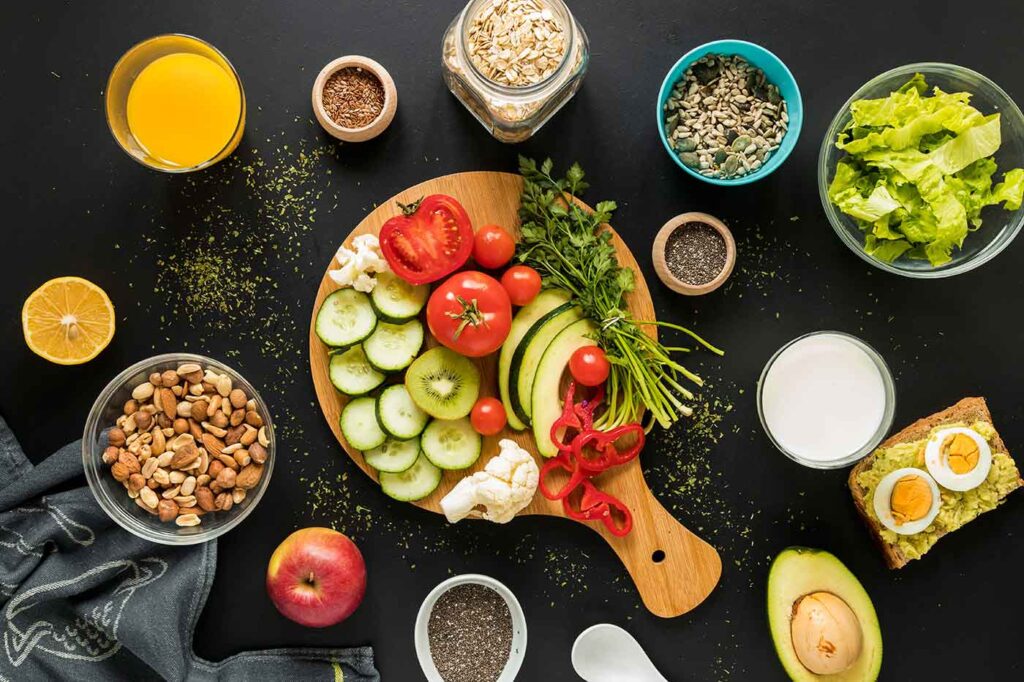











Vivamus eu libero nec lacus dignissim aliquam. Mauris nunc nulla, scelerisque eget pellentesque eu, gravida quis dui.
Mauris nunc nulla, scelerisque eget pellentesque eu, gravida quis dui. Nam semper, mauris eu feugiat imperdiet